
The idea that anyone can call a child and say anything — just because they have the number — can feel unsettling. Many parents worry about what might happen in conversations they never hear.
Because of that, it’s natural to want some way to stay aware of who your child is talking to and what’s being said. This concern often leads families to look into iPhone call recording without an announcement. Not because they want to spy on their kids, but because they want to make sure their children are safe.
But recording calls on an iPhone isn’t always simple. Apple places strict limits on call recording, and many methods people find online either don’t work well or raise legal and technical questions.
In this guide, we’ll explain how call recording works on iPhones, why it can be tricky, and what options parents actually have.
Съдържание
Why iPhones Make Call Recording Difficult
 Recording phone calls on an iPhone isn’t as simple as many people expect. Apple has strong privacy protections in place, and that limits what apps can do during a call. Unlike many Android phones, iPhones don’t include a built-in call recorder. And most apps in the App Store can’t directly access the audio from your calls.
Because of these limits, many guides that promise call recording on iPhone without an announcement rely on workarounds instead of a native feature. Some use three-way calling services. Others suggest external recorders or a second device.
That’s why, for people who need more reliable call monitoring, dedicated parental monitoring tools are often a more practical option. We’ll go through one of those solutions next.
The Safer Monitoring Solution: Eyezy
 Let’s talk about one of the most helpful features for parents: the Eyezy call recorder. It allows you to check call activity from your child’s device through a private dashboard, making it easier to stay informed about who they communicate with.
This leads to a common question: Does Eyezy record phone calls? The answer depends on the device your child uses.
Android:
On Android devices, Eyezy supports full call recording. Parents can listen to recorded conversations directly from the dashboard. Each recording is stored securely, so you can return to it anytime if you need to review a call.
iOS:
iPhones work a little differently. Because of Apple’s privacy rules, apps can’t record phone calls directly. Even so, Eyezy still shows detailed call information. You can see who your child spoke with, the time and date of the call, and how long the conversation lasted. You’ll also see the phone number and the contact name saved on the device.
What About a Hidden Call Recorder for iPhone?
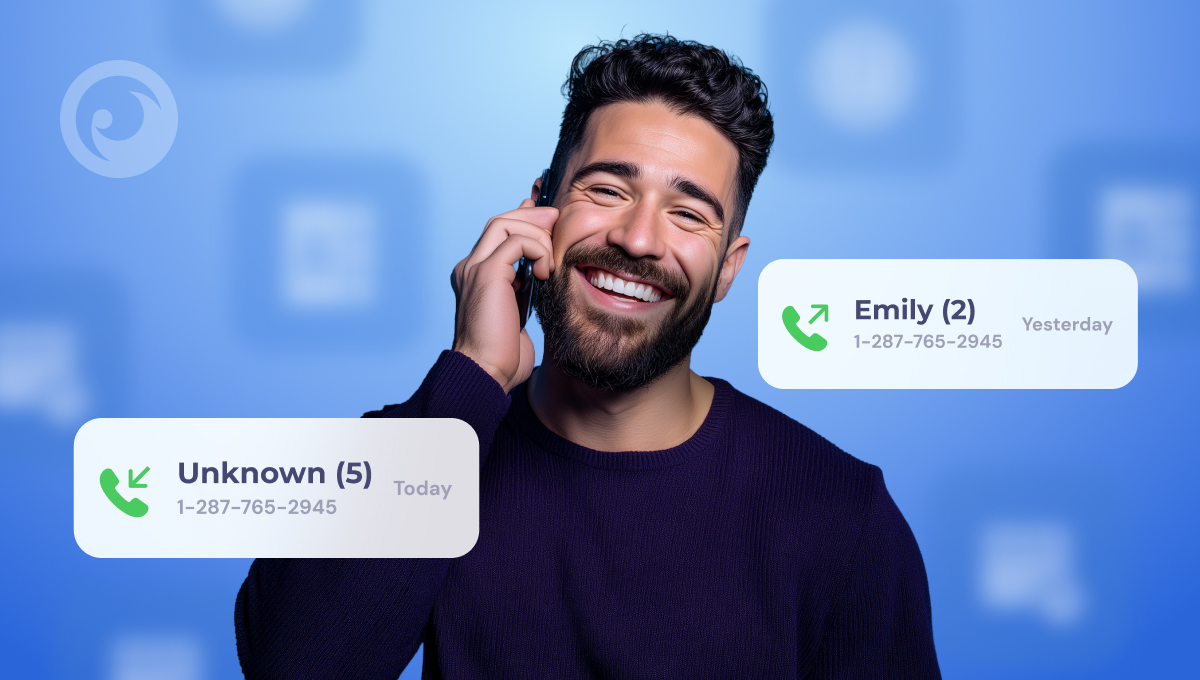 You may have seen websites promising to offer call recording without an announcement on an iPhone. These claims sound appealing, but they are often misleading. It’s important to be aware of how things actually work.
Apple has built strong privacy protections into iOS. As a result, many tools simply cannot deliver what they promise.
In many cases — especially with free apps — these services can be unreliable or even risky. Some may collect personal information, request unnecessary permissions, or attempt to access payment details. Unfortunately, there are many different types of scams in this area.
For parents, using such tools can create more problems than they solve. For this reason, it’s better to choose well-known parental monitoring solutions that have a strong reputation, clear privacy policies, and verified user feedback.
Now, let’s take a look at some other Eyezy features worth your attention.
Additional Eyezy Features Parents Love
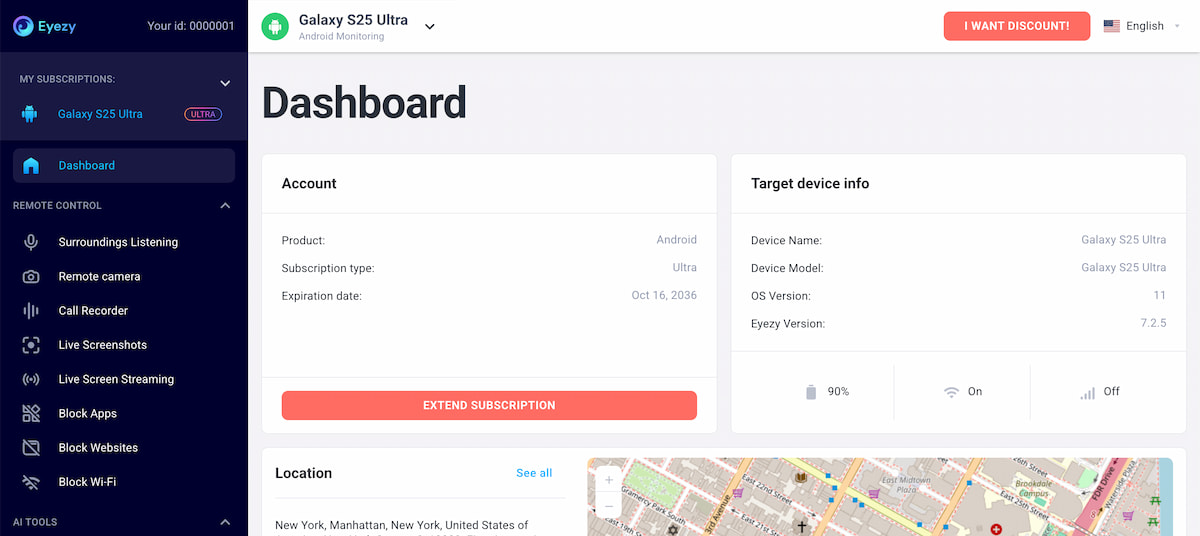 Many parents pick this app because it does much more than just Eyezy call monitoring.
It gives parents many tools that help them understand how their child uses their phone and what happens online. These features make it easier to notice problems early and step in if needed.
Some of the most popular Eyezy features include:
Мониторинг на социалните медии
Parents can check activity on platforms like Instagram, WhatsApp, Snapchat, Messenger, Viber, and others. The app lets you read chats, listen to voice messages, and even see messages that were deleted.
Стрийминг на живо
This feature shows what’s happening on the phone screen in real time. Parents can quickly see what their child is doing at that moment. It can help you understand situations that might otherwise remain hidden.
Web Activity Tracking
You can review the browsing history and see if your child visits adult websites. And there’s more. Parents can also block certain sites remotely.
Проследяване на местоположението
The app shows where your child has been and where they are right now. You can also create safe and restricted zones. If your child enters or leaves these areas, you’ll get a notification right away.
AI Chatbot Monitoring
Many kids now talk to tools like ChatGPT or Gemini for homework, advice, or everyday questions. Sometimes they share more personal details than they should. With this feature, parents can review those conversations and notice possible warning signs early.
Заключение
In addition to Eyezy call monitoring, the app includes many other features that help parents better understand their child’s digital habits.
Together, these tools give parents a clearer view of their child’s online activity and help them respond when something looks concerning. If you want to see how it works, you can explore the demo and check out the features for yourself.