
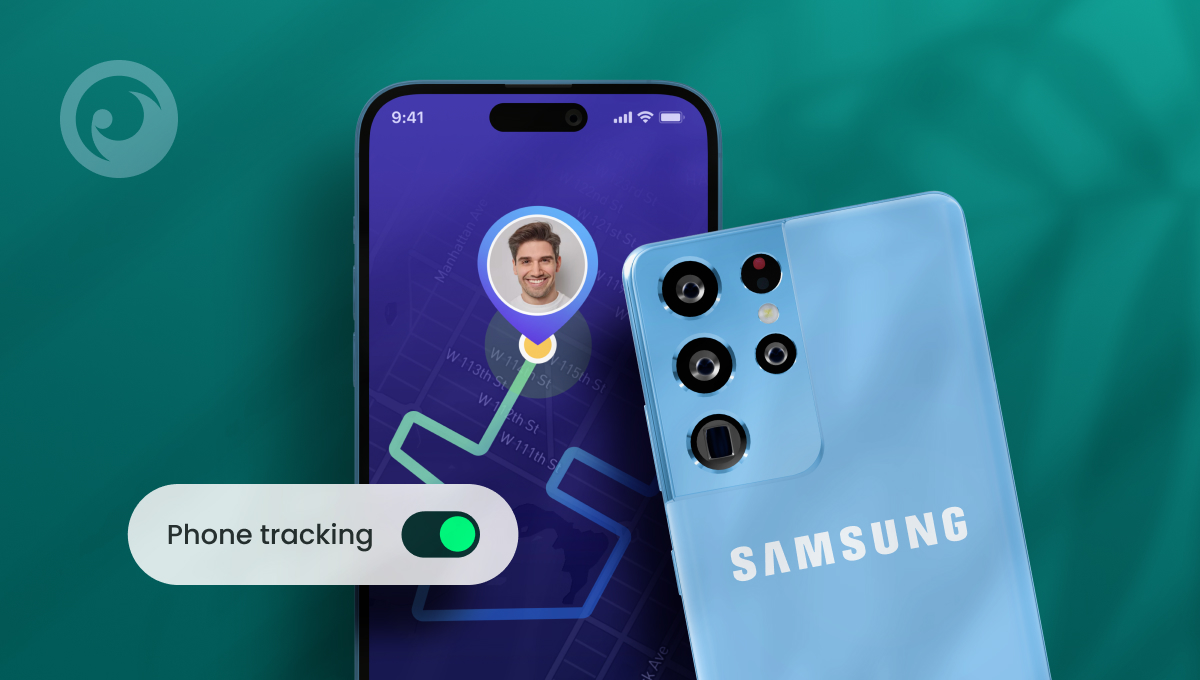
Dus jij hebt een iPhone. Maar je kinderen hebben Androids. Eén van hen heeft een Samsung. Gefeliciteerd! Jullie zijn een gemengde telefoonfamilie. Je hebt het beste van twee werelden en iedereen heeft een toestel dat voor hem werkt.
Er is alleen één probleem. Er is je verteld (meestal door mensen die geen verstand hebben van technologie) dat Samsung en iPhone niet compatibel zijn. Dus kan een iPhone een Samsung-telefoon volgen? Of heb je pech als je wilt Controleer de activiteiten van uw kinderen en ze veilig houden?
We hebben goed nieuws - en nog meer goed nieuws. Je kunt Samsung vrij eenvoudig volgen vanaf je iPhone. En er zijn heel wat apps waarmee je dat kunt doen, waaronder een aantal gratis opties. Laten we beginnen.
Inhoudsopgave
3 mythes over het traceren van Samsung vanaf iPhone
 Mythe #1: Je kunt een Samsung-telefoon niet traceren met een iPhone omdat ze op twee verschillende besturingssystemen draaien.
De waarheid: Hoewel Android en iOS heel verschillende besturingssystemen zijn, houdt niets je tegen om een app te gebruiken om Samsung vanaf je iPhone te volgen. Veel van de beste apps zijn compatibel met beide telefoons, dus je kunt aan de slag.
Mythe #2: Het traceren van een Samsung telefoon met een iPhone is in strijd met de privacywetgeving
De waarheid: Het is volkomen legaal om een app te gebruiken om de Samsung telefoon vanaf de iPhone te volgen, zolang je het gebruikt om je eigen kind in de gaten te houden, ze jonger zijn dan 18 jaar en jij hun wettelijke voogd bent. Het is altijd een goed idee om je lokale wetgeving te controleren voordat je software voor ouderlijk toezicht aanschaft, maar dit is het geval in de meeste rechtsgebieden.
Mythe #3: Je moet een software-ingenieur zijn om te weten hoe je een Samsung-telefoon kunt traceren met een iPhone
De waarheid: Als je de juiste app gebruikt om Samsung vanaf je iPhone op te sporen, hoef je geen technisch expert te zijn om aan de slag te gaan. De beste apps zijn ontworpen om direct te werken, zodat je niet door hoepels hoeft te springen om de telefoon te vinden.
3 Apps om Samsung-telefoon vanaf iPhone te vinden
Als je kinderen hebt, is het belangrijk om te weten waar ze zijn, vooral nu ze de wereld zelfstandig beginnen te verkennen. Of ze nu net van school naar huis beginnen te lopen of net hun rijbewijs hebben gehaald, het is altijd een goed idee om een volg-app aan hun Samsung toe te voegen. Hier zijn drie apps die op je lijstje moeten staan.
Eyezy
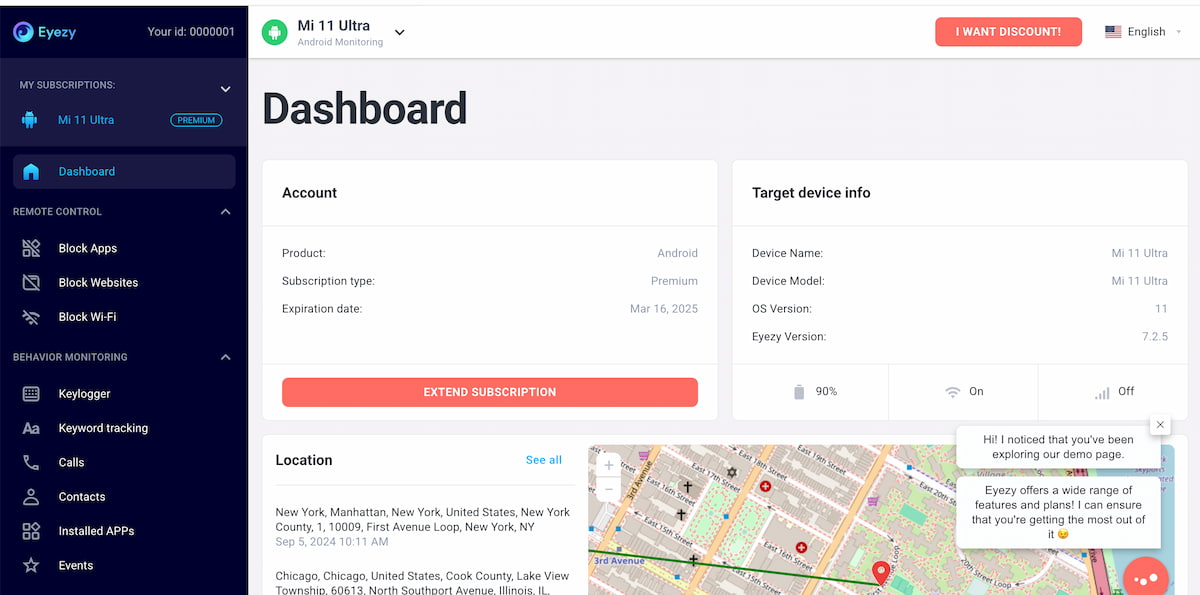 Eyezy is een van de populairste apps voor ouders om Samsung vanaf de iPhone te volgen. De monitoring app is ontworpen om te werken op zowel iPhone als Android toestellen, inclusief Samsung telefoons.
Zodra je Eyezy geïnstalleerd op hun Samsung-telefoon, gewoon pop in uw Eyezy Control Panel. Je hebt toegang tot een functie genaamd Pinpoint die je al hun r
ecente locaties, samen met hun huidige locatie.
Je hebt ook toegang tot geofencingtechnologie. In je configuratiescherm stel je zones in voor elke locatie. Als ze je zones binnenkomen of verlaten, ontvang je een waarschuwing. Het is een krachtige manier om een Samsung-telefoon vanaf een iPhone terug te vinden zonder ook maar een vinger uit te steken.
Google Maps
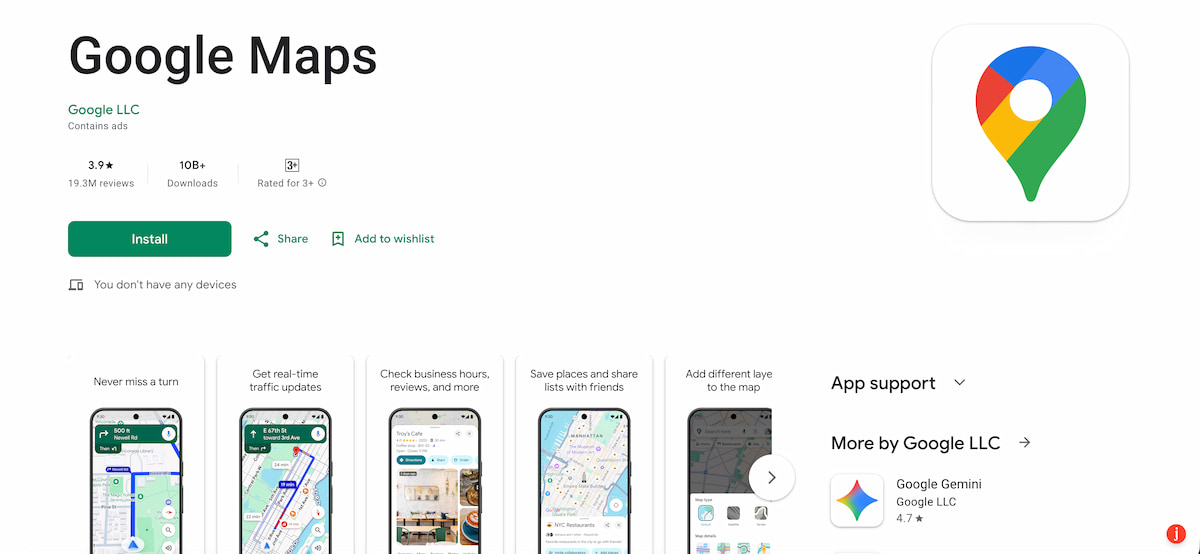 Je gebruikt Google Maps waarschijnlijk al voor routebeschrijvingen. Maar wist je dat je een Samsung-telefoon met een iPhone kunt traceren met Google Maps? Installeer de app op beide telefoons, zorg ervoor dat je bent ingelogd op twee afzonderlijke Google-accounts en deel je locatie met elkaar. Zo eenvoudig is het.
Wanneer je hun locatie wilt weten, start je gewoon Google Maps op, tik je op hun naam en weet je waar ze zijn.
SmartThings vinden
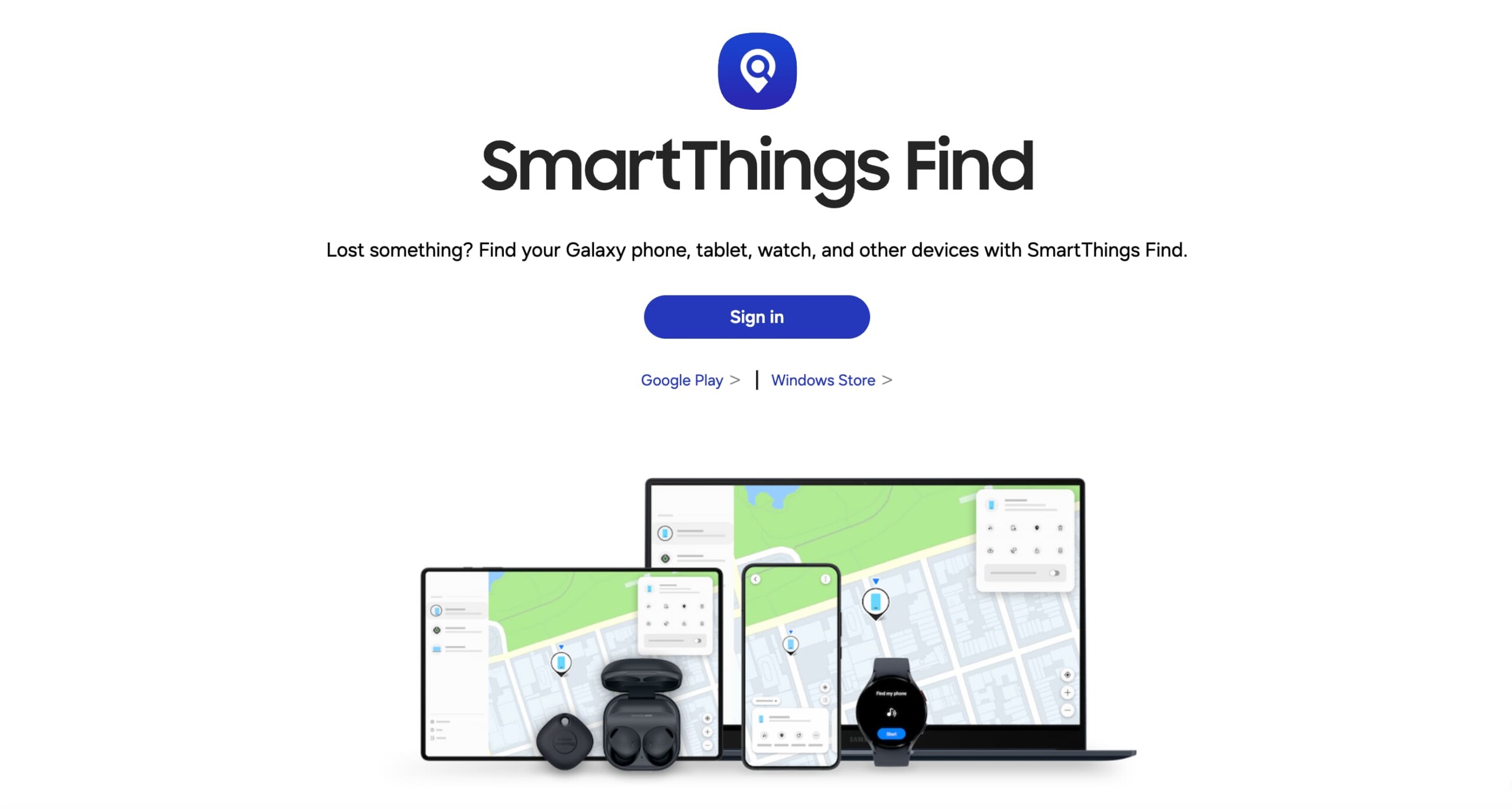 Samsung heeft zijn eigen ingebouwde traceersoftware genaamd Find My Mobile. Onlangs hebben ze deze ervaring samengevoegd met SmartThings Find. Het webgebaseerde platform werkt op de iPhone via Safari of een andere browser, dus je hoeft geen app te downloaden op je iPhone.
Zoek mijn mobiel is niet standaard ingeschakeld. Eerst moet je de functie activeren in Instellingen op je Samsung telefoon. Je hoeft alleen maar even te tikken en je kunt aan de slag.
Zodra het is ingeschakeld, moet je een SmartThings Find account aanmaken en het Samsung apparaat toevoegen. Meld u vervolgens aan via de webbrowser van uw iPhone om Samsung vanaf uw iPhone te volgen wanneer u maar wilt.
Waarom Eyezy de beste keuze is voor Android en iPhone gezinnen
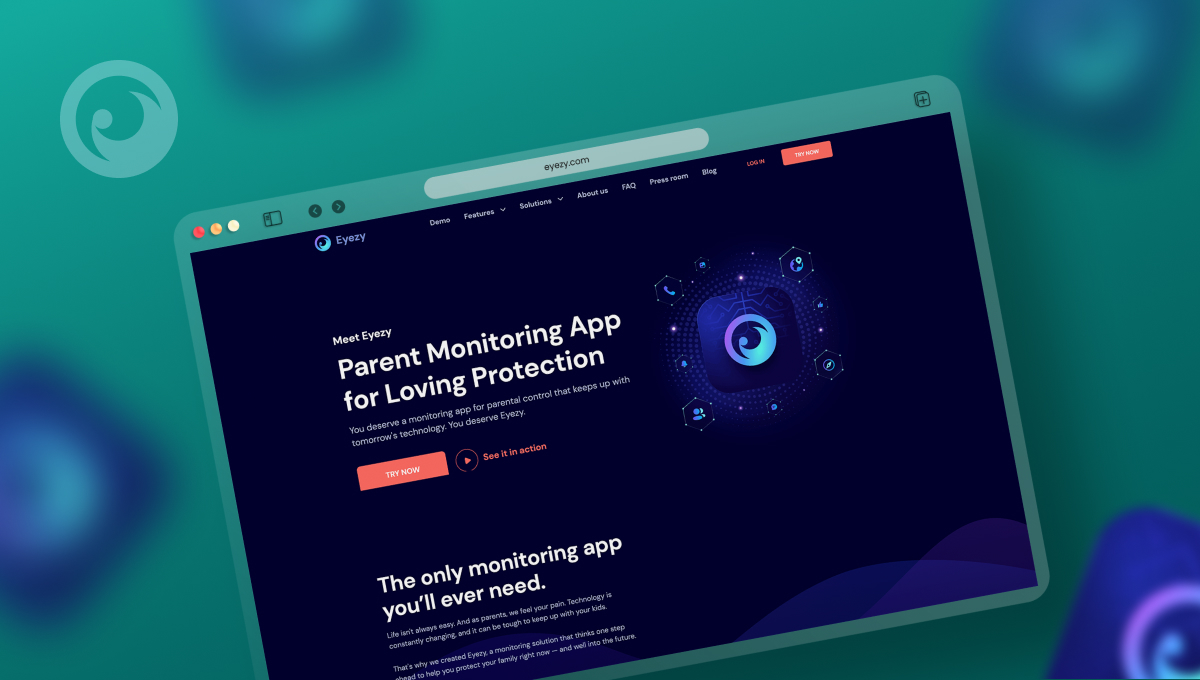 Meer en meer gezinnen die gebruik maken van iPhone en Android kiezen Eyezy voor cross-platform tracking. En de redenen gaan verder dan alleen het vinden van hun locatie. Eyezy zit vol met functies waarmee je je kinderen online en offline kunt volgen. Hier is een kijkje op een aantal van de belangrijkste.
• Sociale spotlight kun je de gesprekken zien die ze voeren op sociale media-apps. iMessage. Snapchat. WhatsApp. Instagram. Noem maar op.
• Toetsaanslagen vastleggen laat je de toetsaanslagen zien die ze op hun Android typen, zodat je weet wat ze zeggen en waar ze het zeggen.
• Live schermstreaming laat je hun Samsung telefoon zien terwijl ze hem gebruiken.
• Telefoonanalysator kun je zien met wie ze praten aan de telefoon, wanneer ze spraken en hoe lang.
• AI-tools kun je hun conversatie volgen met chatbots, zoals ChatGPT en Gemini.
Welke Tracking App is geschikt voor jou?
Als iPhone- en Samsung-familie heb je meer keuzes op het gebied van toezicht dan je denkt. Hoewel Eyezy de krachtigste app is om je kinderen veilig te houden, erkennen we dat sommige apps met basisfuncties misschien de juiste keuze zijn voor jou en je gezin, vooral als je niets anders wilt doen dan Samsung-telefoons vinden vanaf je iPhone.
Bekijk voordat je beslist de Eyezy demo. Je kunt zien hoe elke functie werkt, net zoals op je iPhone, iPad of laptop.