
Être parent aujourd'hui peut ressembler à un exercice d'équilibriste. Vous voulez donner de l'espace à votre enfant et lui faire confiance pour qu'il fasse ses propres choix. Mais l'internet comporte des risques que beaucoup d'entre nous n'ont pas connus dans leur enfance - cyberintimidation, La plupart du temps, il s'agit d'étrangers mal intentionnés, de contenus explicites et de la pression exercée par les médias sociaux.
C'est pourquoi certains parents utilisent des applications de surveillance pour garder un œil sur les choses sans avoir à regarder constamment par-dessus l'épaule de leurs enfants. L'une des options dont les parents parlent le plus souvent aujourd'hui est l'utilisation d'un enregistreur d'écran caché. Ces applications enregistrent discrètement ce qui se passe sur l'appareil Android de l'enfant afin que les parents puissent vérifier ce qui se passe réellement.
Dans ce guide, nous allons passer en revue quatre applications Android qui incluent l'enregistrement d'écran et nous verrons quand la surveillance peut être utile - et quand elle peut dépasser les bornes.
Table des matières
Qu'est-ce qu'un enregistreur d'écran secret et comment est-il utilisé ?
 Il s'agit d'un outil qui enregistre tout ce qui se passe sur l'écran d'un téléphone sans afficher d'icône ou de notification. Ainsi, les enfants ne se rendent pas compte que leur écran est enregistré.
Avec un tel outil, les parents peuvent surveiller exactement ce qui apparaît sur le téléphone et comment leur enfant interagit avec lui. C'est important, car une grande partie de l'activité en ligne se déroule désormais à l'intérieur des applications, où les outils de surveillance habituels passent parfois inaperçus.
Cela pourrait aider les parents à s'en rendre compte :
- Intimidation dans les applications de messagerie
- Vidéos ou images inappropriées
- Conversations avec des inconnus dans des jeux en ligne
- Des tendances néfastes se répandent sur les médias sociaux
- Des comportements à risque cachés dans des messages qui disparaissent
Au lieu de deviner ce que fait leur enfant en ligne, les parents peuvent vérifier les enregistrements et voir ce qui s'est réellement passé à l'écran. Cela peut être rassurant si tout semble aller bien. Et si quelque chose ne va pas, ils peuvent intervenir plus tôt.
Sommes-nous de mauvais parents si nous avons recours à la surveillance ?
 Beaucoup de parents se posent la même question : Est-ce que je dépasse les bornes en surveillant le téléphone de mon enfant ?
Les parents savent généralement où vont leurs enfants après l'école et avec qui ils passent du temps. Les espaces en ligne ne sont pas si différents. La supervision numérique fait aujourd'hui partie de l'éducation des enfants.
Lorsque l'on considère les risques auxquels les enfants sont confrontés en ligne, Internet peut parfois sembler plus dangereux que le monde hors ligne. C'est pourquoi une application secrète d'enregistrement d'écran peut sembler indispensable aux parents d'aujourd'hui.
Mais l'objectif ne devrait pas être le contrôle. Il doit être la sécurité et l'apprentissage. La meilleure approche consiste à utiliser la surveillance dans un but précis : protéger votre enfant et l'aider à comprendre les risques en ligne.
Dans cette optique, nous allons examiner quatre applications de contrôle parental populaires et voir comment elles fonctionnent.
#1 Eyezy
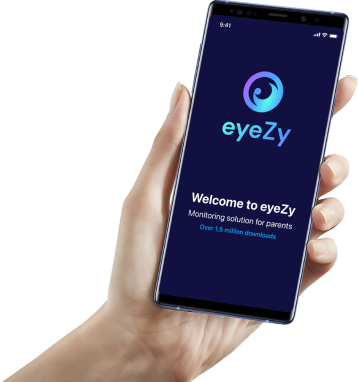
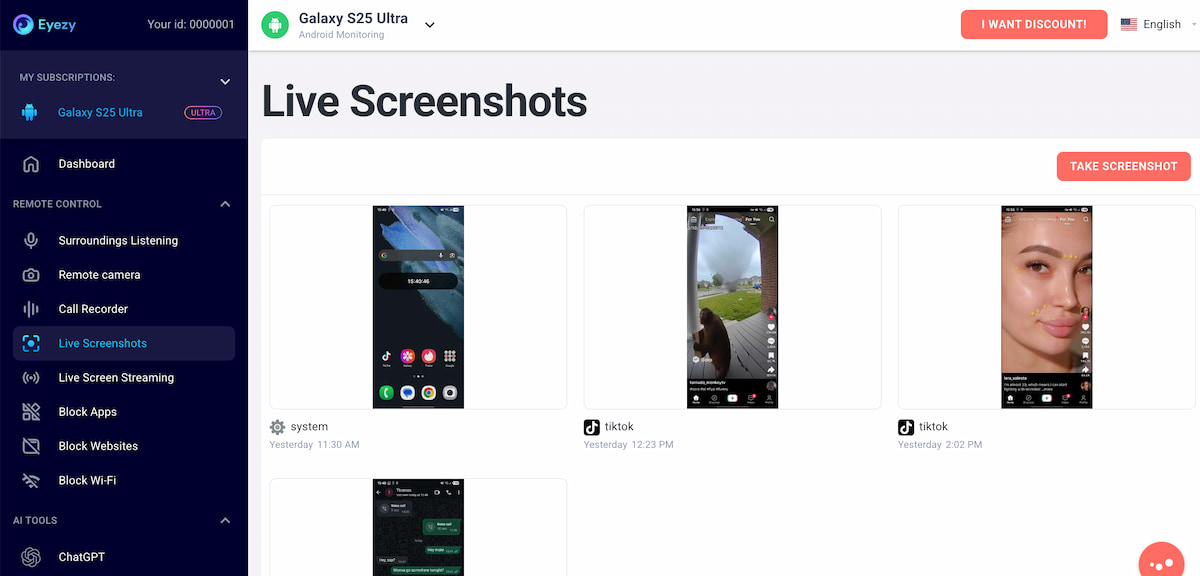 Eyezy est l'une des applications de contrôle parental les plus connues à l'heure actuelle. Elle est conçue pour les parents qui souhaitent voir plus que des rapports d'activité de base. Au lieu d'afficher uniquement le temps d'écran, elle vous permet de vérifier ce qui se passe réellement sur le téléphone.
Une caractéristique à laquelle de nombreux parents prêtent attention est la Enregistreur d'écran caché pour Android. Il effectue des captures d'écran de ce qui apparaît sur le téléphone et les enregistre dans votre tableau de bord afin que vous puissiez les consulter ultérieurement.
Cela signifie que vous pouvez revenir en arrière et voir ce qui s'est passé sur l'appareil : les messages qui ont été supprimés, les contenus pour adultes, les chats disparus sur des applications telles que Snapchat, et même les conversations qui se déroulent dans les jeux mobiles.
Eyezy comprend également une fonction appelée Diffusion en direct sur écran. Grâce à elle, vous pouvez ouvrir l'écran du téléphone depuis votre tableau de bord et voir ce qui se passe en temps réel.
Vous n'êtes donc pas limité aux rapports ou aux journaux. Vous pouvez vérifier les activités passées ou regarder ce qui se passe en ce moment même. Avec un tel niveau de surveillance, est-il possible de manquer quelque chose ? Nous ne le pensons pas.
#2 FlexiSPY
 FlexiSPY est l'une des plus anciennes applications de surveillance de téléphone, et elle est connue pour sa longue liste d'outils de suivi. Elle comprend une fonction d'enregistrement d'écran caché pour Android, ainsi que des options permettant de surveiller les messages, d'enregistrer les appels et de voir comment les différentes applications sont utilisées.
Les personnes qui souhaitent un suivi très détaillé se tournent souvent vers FlexiSPY car elle suit de nombreuses activités sur l'appareil. Mais gardez à l'esprit que cette application n'a pas été conçue à l'origine pour les parents. De ce fait, sa configuration et son tableau de bord peuvent sembler un peu techniques par rapport aux applications de contrôle parental plus récentes, qui mettent davantage l'accent sur la facilité d'utilisation.
En d'autres termes, le FlexiSPY peut faire beaucoup, mais certains parents pourraient avoir du mal à l'utiliser au début.
#3 iKeyMonitor
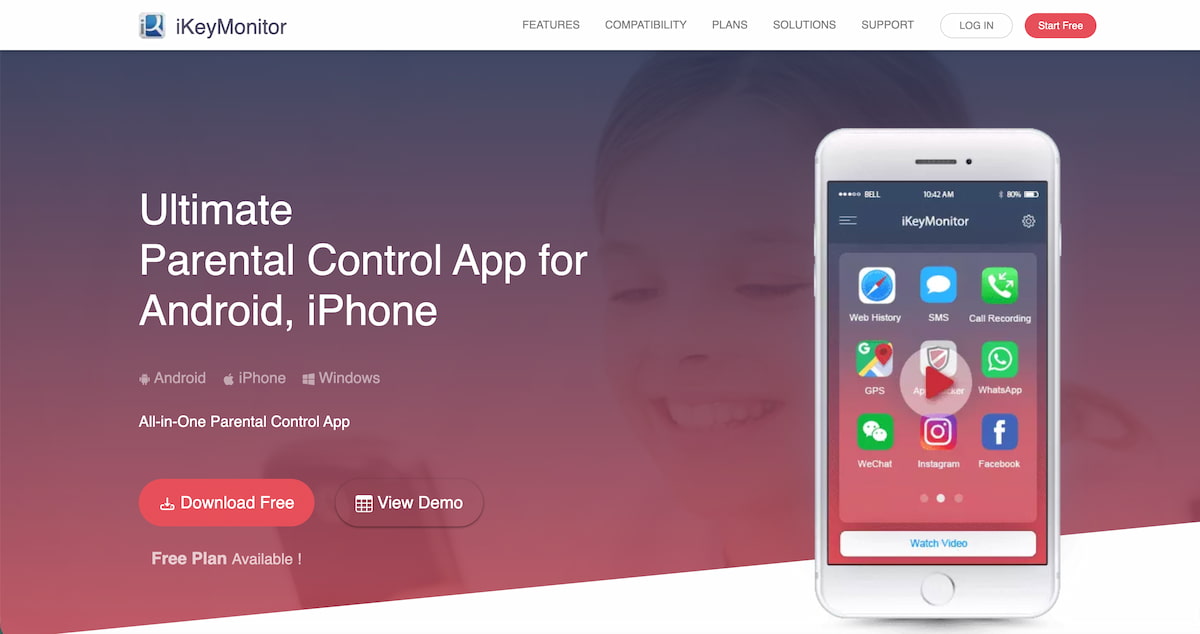 iKeyMonitor est un autre enregistreur d'écran secret pour Android conçu pour les parents qui veulent voir comment leurs enfants utilisent leurs téléphones.
Cette fonction permet d'effectuer des captures d'écran du téléphone à intervalles réguliers. Lorsque vous les consultez ultérieurement, vous pouvez voir ce qui est apparu à l'écran pendant ce laps de temps.
Il existe également une option d'écran en direct à distance, qui permet aux parents d'avoir une idée plus précise de ce que fait leur enfant sur son téléphone à ce moment-là.
#4 Hoverwatch
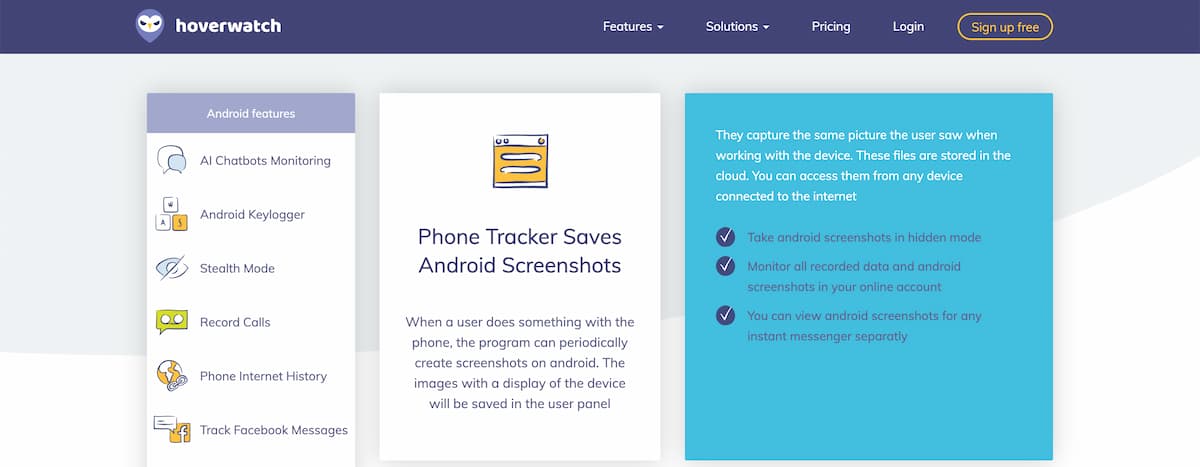 La dernière application dont nous allons parler est Hoverwatch. Il s'agit d'une application de surveillance de téléphone destinée aux parents qui souhaitent garder un œil sur l'activité en ligne de leurs enfants. La version Android comprend également un enregistreur d'écran caché.
Son fonctionnement est assez similaire à celui de Eyezy. Vous pouvez consulter les activités enregistrées et voir ce qui se passe sur le téléphone. Mais par rapport à d'autres applications de surveillance, le nombre total de fonctionnalités est un peu plus faible.
Malgré tout, Hoverwatch Cela peut tout de même être un bon choix si vous recherchez quelque chose de simple.
Quelle application offre la solution la plus équilibrée ?
 En fin de compte, l'objectif est simple : assurer la sécurité des enfants en ligne. Plus les parents ont de visibilité sur l'activité de l'appareil de leur enfant, plus il est facile de détecter rapidement les problèmes potentiels.
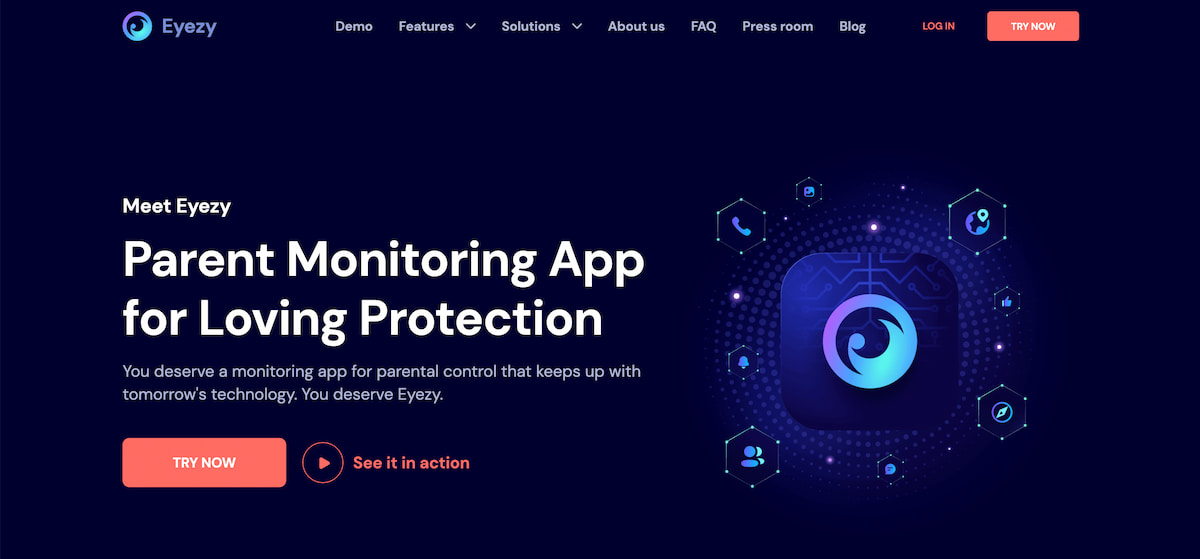
Eyezy est difficile à battre dans ce domaine. Ses fonctionnalités couvrent tout, de la surveillance des messages, l'enregistrement des appels et la surveillance des conversations avec l'IA à l'écoute de l'environnement via l'audio et la vidéo. Elle est également totalement anonyme et fonctionne avec Android et iOS.
Pour les enfants, c'est synonyme de sécurité. Pour les parents, c'est la tranquillité d'esprit, car ils peuvent tout vérifier en ouvrant simplement leur tableau de bord.