

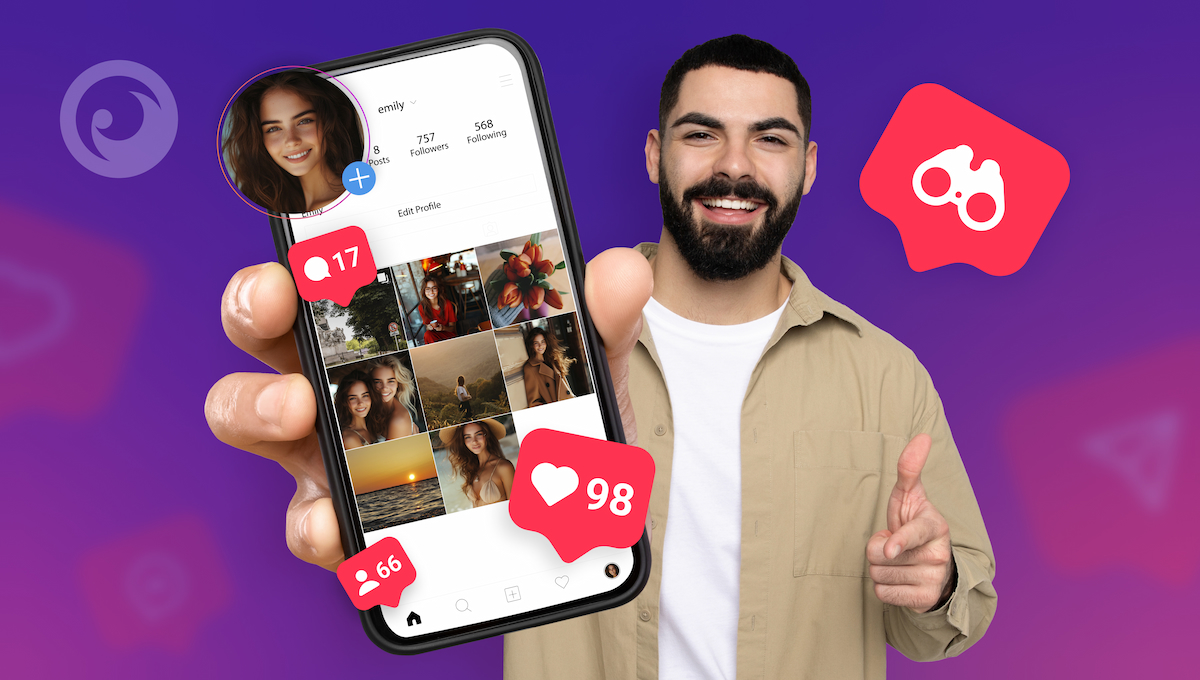
Instagram is one of the first social apps most kids ask for, and one of the hardest for parents to follow. DMs, close-friends stories, comments from strangers, accounts you didn’t know existed. If you’re wondering how to see what your child is actually doing on Instagram, you have two main tools: Instagram’s own parental supervision and a parental monitoring app like Eyezy.
This guide explains what each one shows, where the gaps are, and how to set up Instagram monitoring on your child’s phone in a way that keeps them safe without wrecking trust.
Table Of Contents
What Parents Worry About on Instagram
- DMs from strangers, including adults pretending to be teens.
- Bullying in comments, group chats or fake “hate pages”.
- Pressure to share photos, and sextortion scams that follow.
- Secret or “finsta” accounts that parents don’t know about.
- Endless scrolling that eats into sleep and homework.
If you want a deeper look at the risks, read our guide on the dangers of Instagram for kids.
Option 1: Instagram Teen Accounts and Family Center
Instagram moves users under 18 into Teen Accounts, which are private by default, limit who can message them and turn on sleep mode overnight. Teens under 16 need a parent’s permission to loosen those settings. On top of that, you can link your account to your child’s through supervision in Instagram’s Family Center. Once supervision is set up, you can:
- See how much time your teen spends on Instagram and set daily limits
- Schedule breaks and sleep hours
- See which accounts your teen follows and who follows them
- See who your teen has messaged recently, but not what they said
- Approve or decline requests to change key safety settings
Family Center is free and a good starting point. Its big limitation is that you never see the content of conversations, and it only covers the account you’ve linked. If your child has a second account, supervision won’t tell you about it.
Option 2: Monitor Instagram with Eyezy
When you need to know what’s being said, not just who’s saying it, a parental monitoring app fills the gap. Eyezy’s Social Spotlight shows your child’s Instagram activity from their phone in your online dashboard:
- Direct messages, including chats your child might not want to show you
- Photos and videos sent and received in DMs
- Dates and times for every message, so you can see when conversations happen
- Magic Alerts for keywords you choose, like “send pics”, “don’t tell”, “address” or self-harm terms
- Screen Capturer screenshots that show what’s on the screen, including activity outside DMs
Because Eyezy works from the device rather than one Instagram login, it also helps you notice if your child is using an account you didn’t know about.
Family Center vs. Eyezy: What You Can See
| Feature | Instagram Family Center | Eyezy |
|---|---|---|
| Time spent and time limits | Yes | Screen activity, plus app blocking |
| Followers and following | Yes | Via Instagram activity |
| Who they message | Recent contacts only | Yes |
| Message content | No | Yes |
| Photos and videos in DMs | No | Yes |
| Keyword alerts | No | Yes |
| Covers second accounts | No | Shows activity on the device |
| Price | Free | Paid subscription |
Many parents use both: Family Center for screen time and safety settings, Eyezy for the conversations.
How to Set Up Instagram Monitoring with Eyezy
- Pick a plan and create your Eyezy account.
- Follow the installer for your child’s device. On Android, you’ll need the phone for a few minutes to install Eyezy. For iPhone, Eyezy offers iCloud and Wi-Fi sync options; the installer shows which data each one covers.
- Open your dashboard and go to Social Spotlight > Instagram.
- Add Magic Alerts so you’re notified about risky conversations without reading every message.
Why Not Just Log Into Your Child’s Account?
Some parents ask for their child’s password and log in on their own phone. It works for a quick look, but Instagram sends login alerts, may ask your child to confirm the new device, and can flag the account for suspicious activity. You also see only what hasn’t been deleted. And logging into someone else’s account without permission, including another adult’s, can break Instagram’s terms and the law. Monitoring the device your child uses, with their knowledge, is cleaner and more reliable.
Warning Signs to Watch For
- New followers or DMs from adults your child doesn’t know offline
- Requests to move the conversation to Snapchat, Telegram or another app
- Flattery followed by requests for photos or “secrets”
- Your child seems anxious after using Instagram or hides the screen
- A second account appears in their profile switcher
If you spot these, talk first. If there’s a threat or sextortion, save the evidence, report the account in Instagram and contact the police.
Is It Legal to Monitor Your Child’s Instagram?
In most countries, parents can monitor the phone of their minor child. Monitoring another adult’s Instagram without consent is a different matter and is illegal in most places. Laws differ by country and state, so check the rules where you live. More in our guide: Is it legal to track someone’s phone?
FAQ
Can I see my child’s Instagram DMs with Family Center?
No. Family Center can show who your teen has messaged recently, but not the messages themselves.
Can I see deleted Instagram messages?
If a message was synced to your Eyezy dashboard before it was deleted, it usually stays there. Anything deleted before the next sync won’t be available.
Will my child know I’m monitoring Instagram?
Family Center supervision is visible to your teen, and they can see that it’s active. Eyezy doesn’t send notifications through Instagram, but we recommend being open about monitoring. Kids who know the rules are more likely to come to you when something goes wrong.
What age is Instagram for?
Instagram requires users to be at least 13. Users under 18 get Teen Account protections by default.
Final Thoughts
Instagram’s Teen Accounts and Family Center give parents useful controls over time and settings, but they stop short of showing what’s actually being said. If you need that visibility, Eyezy lets you monitor Instagram DMs, shared media and risky keywords on your child’s phone, so you can step in early and keep the conversation going at home.


I want to want to get my boyfriend Instagram account
Hello, please note that illegal usage is strictly prohibited. Remember to use these apps responsibly and respect your partner’s boundaries. For any additional questions, feel free to contact our team.
Great explanation