Are you sitting down? Because this number is staggering — 1.5 billion. That’s how many active global iPhone users there are at this very moment.
iPhone represents almost 30% of the entire global smartphone market. And there’s a big reason for that. Yes, iPhone is really easy to use, but it’s also incredibly secure.
That makes finding iPhone monitoring apps that work as promised a bit more difficult. But don’t swap your kids’ iPhones for Androids quite yet. There are 7 great apps to track iPhone that work out of the box.
Table Of Contents
Eyezy
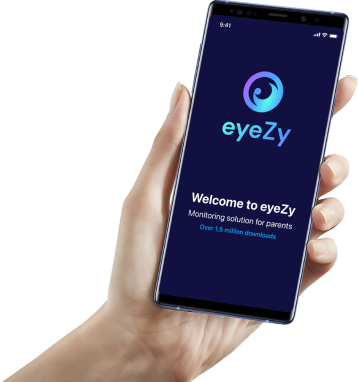
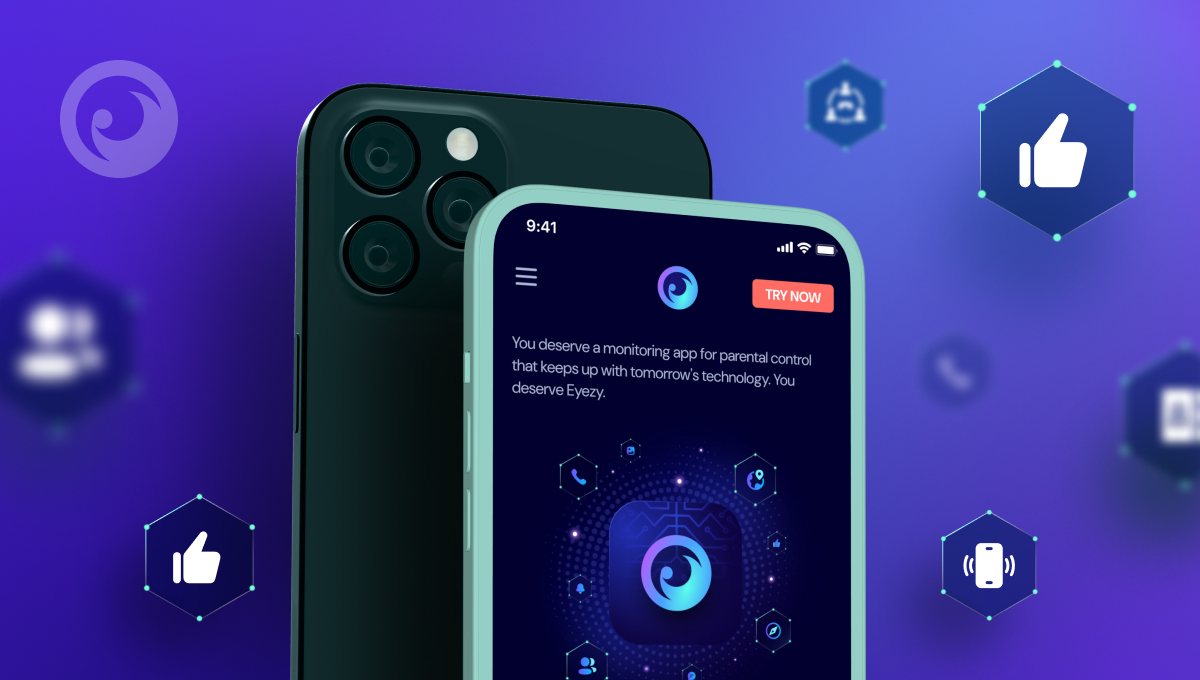 Eyezy is one of the best iPhone monitoring apps. Once you install the app on their iPhone, you’ll have access to several powerful tools. These include Social Spotlight that lets you read their private iMessages, text messages, and WhatsApp convos, Files Finder that shows you the pics and videos saved on their phone, GPS location tracking, an Anonymous Instagram Viewer, and so much more.
What you’ll like: Eyezy’s iPhone feature set is incredibly robust. And they’re always adding new tools to the mix.
What you should know: Things like Live Screen Streaming and Remote Camera are only available on Android. But don’t be surprised if you see these features added to iPhone monitoring in the future.
BrightCanary
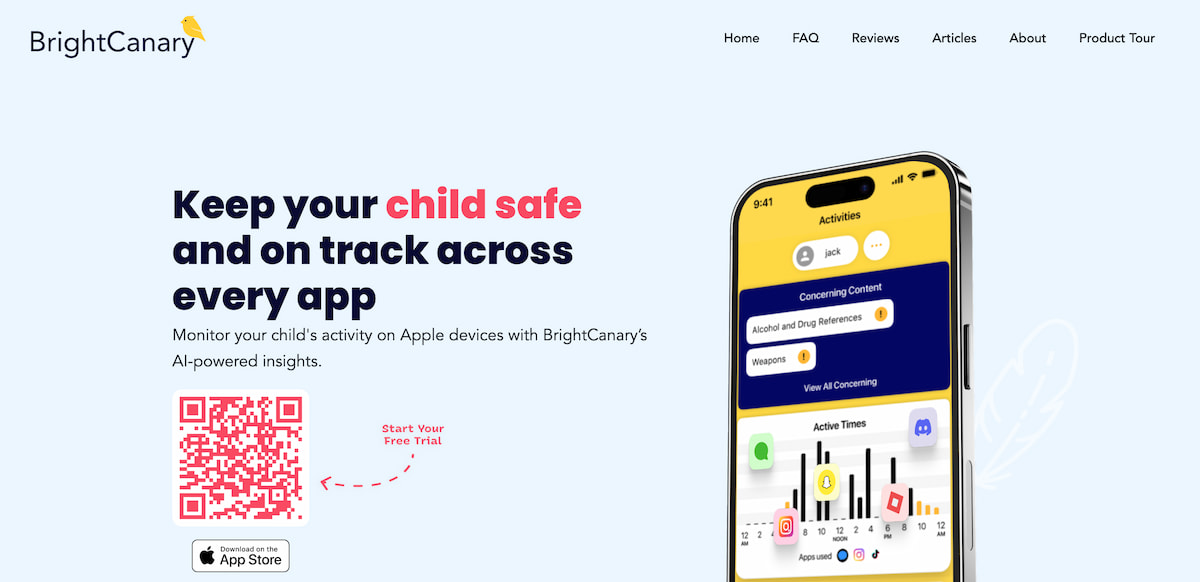 Some apps just feel like they’re made for Apple. BrightCanary is one of them. The iPhone monitoring app is specifically designed for iPhone. In fact, there’s no Android version available, so you really are getting a genuine app to track iPhone.
What you’ll like: BrightCanary includes social media monitoring for a number of apps, making it a great option for socially connected kids.
What you should know: BrightCanary lets you read sent messages from their Snapchat, Instagram, Roblox, and Discord chats. But it doesn’t show you received messages. There are similar iPhone monitoring software solutions that let you view sent and received messages for these popular apps.
Aura
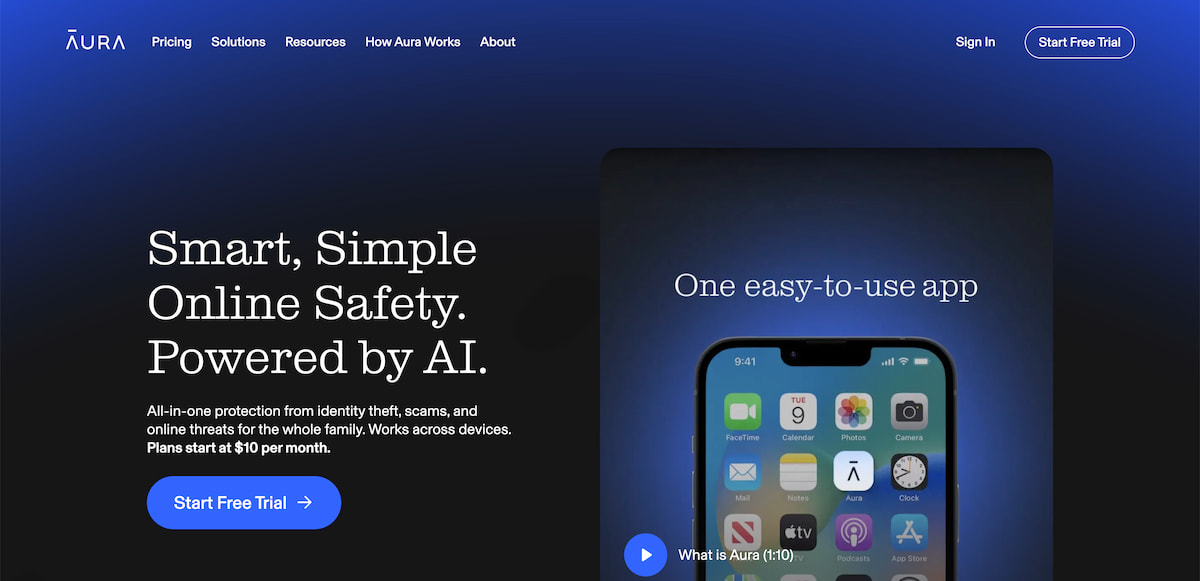 Aura has made a name for itself as a great option for parents looking to protect their identity. The app works hard to shield users from identity theft, scams, and other threats. But more users are finding that Aura makes a decent parental control app too.
With screen time boundaries and the ability to pause the internet, Aura gives parents the power to control how their kids connect online.
What you’ll like: Not only does Aura let parents track iPhone use, but it also includes an AI chat alert feature. If your kid starts chatting with a high-risk AI chat app, you’ll know about it.
What you should know: There aren’t a lot of additional parental controls in the iPhone app. Aura feels like it was designed to help adults protect their data online with strong passwords and fraud protection, with parental controls added as an afterthought.
MMGuardian
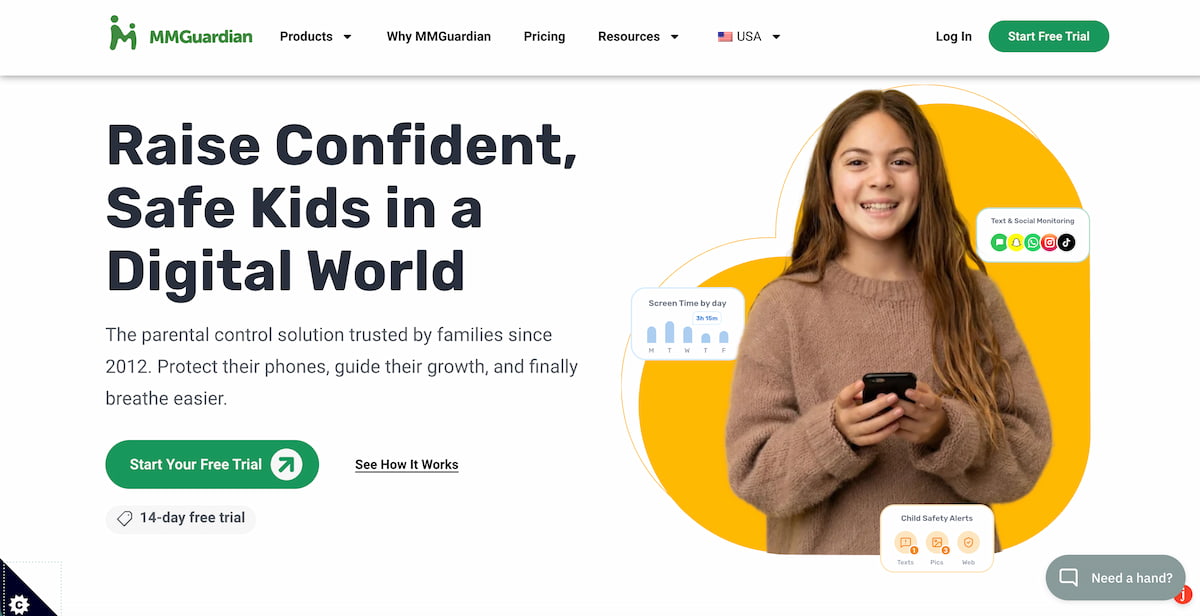 Some of the best iPhone monitoring apps understand that every kid is different. An 8-year-old boy with his first iPhone might require a different style of monitoring than a 14-year-old girl who’s been texting her friends for years. MMGuardian knows that. And their app reflects that.
The app to track iPhone is designed to be flexible. It gives parents the power to monitor their kids for things like cyberbullying and sexting while respecting their desire for independence.
What you’ll like: MMGuardian offers a good balance of protection and freedom. Rather than control-based parenting, MMGuardian focuses on helping parents and kids build trust.
What you should know: There’s a great message report feature, but you need the MMGuardian sync app to use it. And the installation process is incredibly cumbersome.
Bark
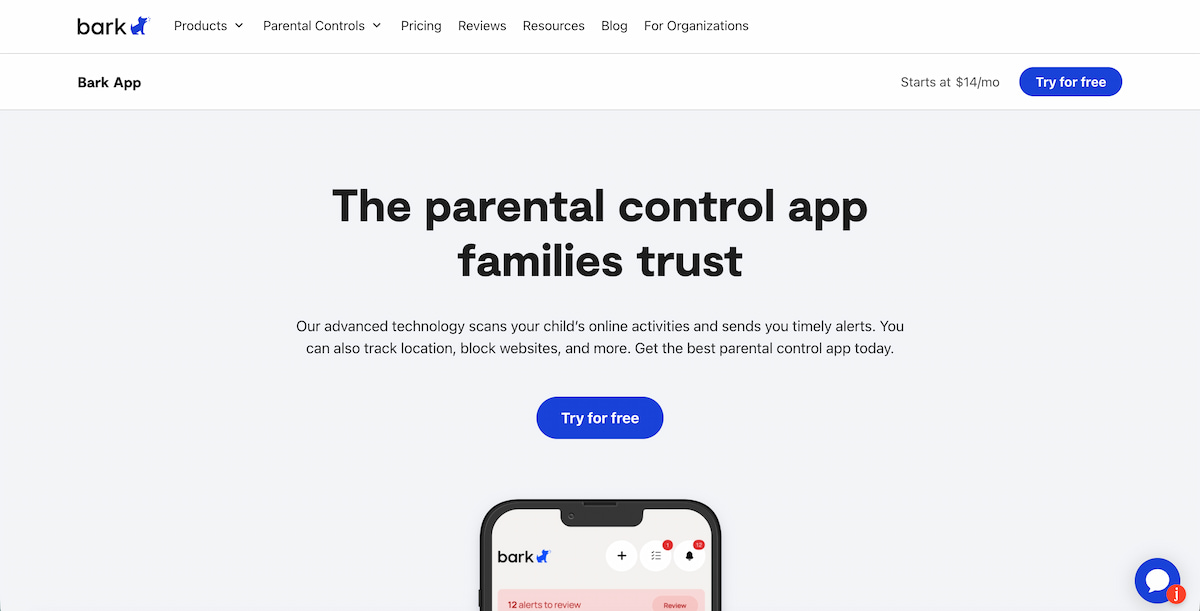 If you’re looking for a simple-but-powerful way to monitor iPhone, put Bark on your list. It lets you block apps and websites with a single tap, manage their screen time, and even receive alerts when Bark detects cyberbullying, predators, or signs of suicide.
You can also pop in and see their location, and give your kid the power to check in when they’ve arrived at their location. And Bark also includes chat monitoring for a few apps on iPhone.
What you’ll like: Bark is easy to install and just as easy to use. Just grab the app from the App Store, install it on your phone and theirs, connect the two apps, and you’re good to go.
What you should know: Bark is known for a powerful feature that lets you lock your teen’s phone while driving so they can’t text. Unfortunately, this feature is only available on the Bark Phone (yes, they sell their own phone), not the Bark Android or iPhone monitoring apps.
KidsGuard Pro
 Built for parents of young kids and teens, KidsGuard Pro is a comprehensive phone monitoring app for iPhone that lets you read their iMessages, see their location, and even view the photos and videos saved on their phone.
What you’ll like: The user experience for the parental control panel is excellent. Take social media monitoring, for example. Just one click gives you a dedicated window with app icons on a navigation bar. Click the icon for the social media app you want to monitor and chat bubbles of their conversations pop up on screen, specifically for that app.
What you should know: The social media monitoring on iPhone is very limited. You can only monitor a handful of apps compared to over a dozen apps available to Android users.
Find My
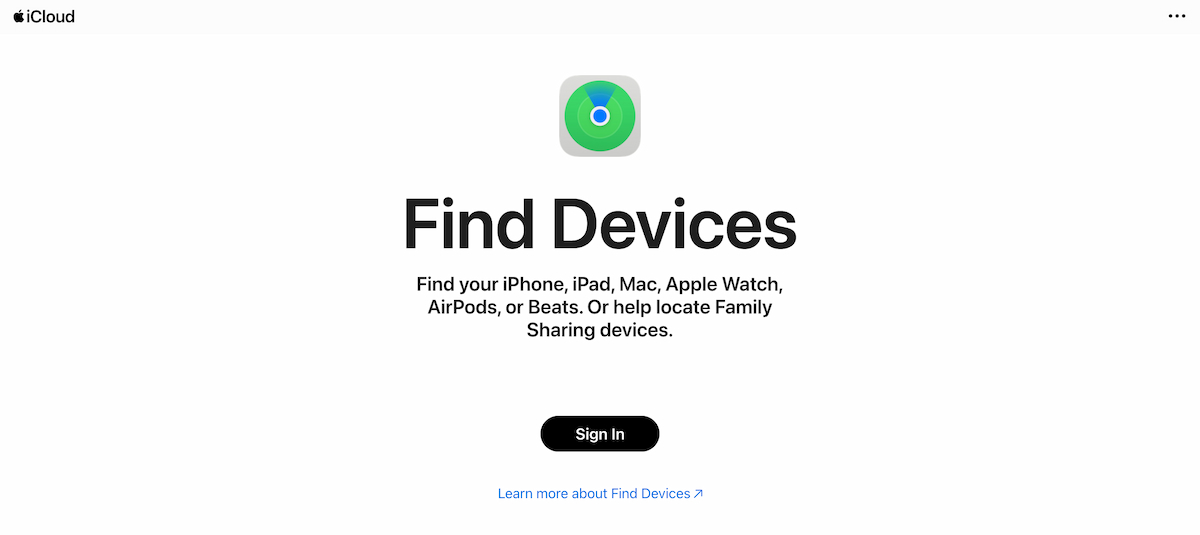 If your number one goal is to know your kid’s current location, Find My is one of the best iPhone monitoring apps available. Just go to Find My on their iPhone, tap ‘People’ at the bottom, hit the plus symbol, tap ‘Share My Location’, and add the email address or phone number tied to your personal iCloud account. The next time you fire up Find My on your iPhone, you’ll see their location.
What you’ll like: Find My is built into every iPhone, so it’s free. Nothing to install. No extra money to spend. It really is one of the simplest iPhone tracker apps.
What you should know: Find My only lets you see their current location. If you want to see a history of their previous locations, Find My can’t help. Consider another app to monitor iPhone if a detailed location history is your top priority.
Before You Buy an iPhone Monitoring App, Try it First
 Eyezy’s iPhone monitoring app is the most complete solution. And it’s priced extremely well. But every parent has different needs. That’s why it’s important to test-drive an app before you buy it.
Many of the iPhone tracker apps covered here offer trials or demos. Play with each app first to see if it makes sense for your monitoring needs.