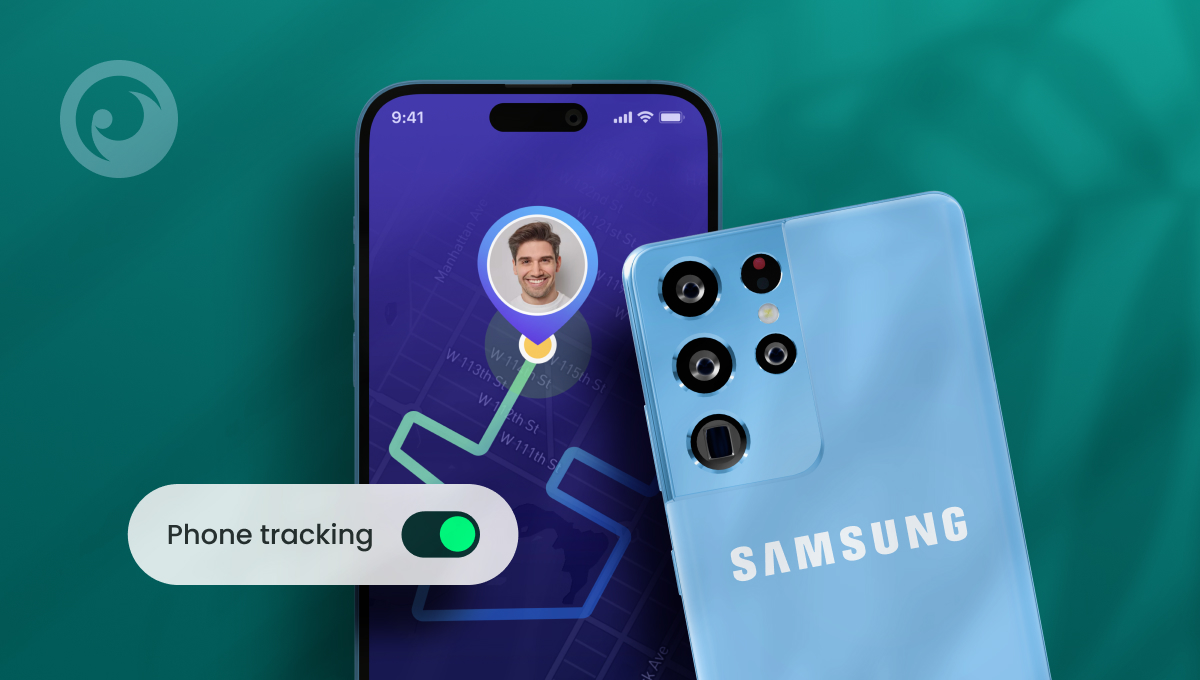
So, you’ve got an iPhone. But your kids have Androids. One of them has a Samsung. Congrats! You’re a mixed phone family. You have the best of both worlds and everyone has a device that works for them.
There’s just one problem. You’ve been told (mostly by people who don’t understand technology) that Samsung and iPhone aren’t compatible. So can an iPhone track a Samsung phone? Or are you out of luck if you want to monitor your kids’ activity and keep them safe?
We have good news — and more good news. You can track Samsung from iPhone pretty easily. And there are quite a few apps that let you do so, including some free options. Let’s dig in.
Table Of Contents
3 Myths About Tracking Samsung From iPhone
 Myth #1: You can’t track a Samsung phone with an iPhone because they run on two different operating systems
The truth: While Android and iOS are very different operating systems, there’s nothing stopping you from using an app to track Samsung from iPhone. A lot of the best apps are compatible with both phones, so you’re good to go.
Myth #2: Tracking a Samsung phone with an iPhone violates privacy laws
The truth: It’s perfectly legal to use an app to track Samsung phone from iPhone, as long as you’re using it to monitor your own child, they’re under 18, and you’re their legal guardian. It’s always a good idea to check your local laws before purchasing parental monitoring software, but this is the case in most jurisdictions.
Myth #3: You need to be a software engineer to know how to track a Samsung phone with an iPhone
The truth: When you use the right app to track Samsung from iPhone, you don’t need to be a tech expert to get up and running. The best apps are designed to work out of the box, so you don’t have to jump through hoops to locate their phone.
3 Apps to Find Samsung Phone From iPhone
If you’ve got kids, it’s important to know where they are, especially as they start to explore the world on their own. Whether they’re just starting to walk home from school or they just got their driver’s license, it’s always a good idea to add a tracking app to their Samsung. Here are three apps that should be on your shortlist.
Eyezy
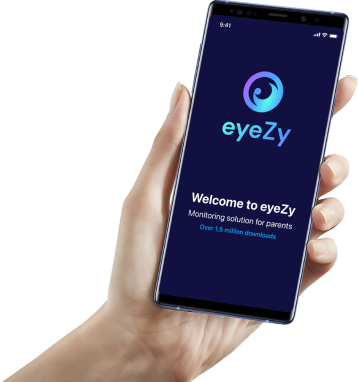
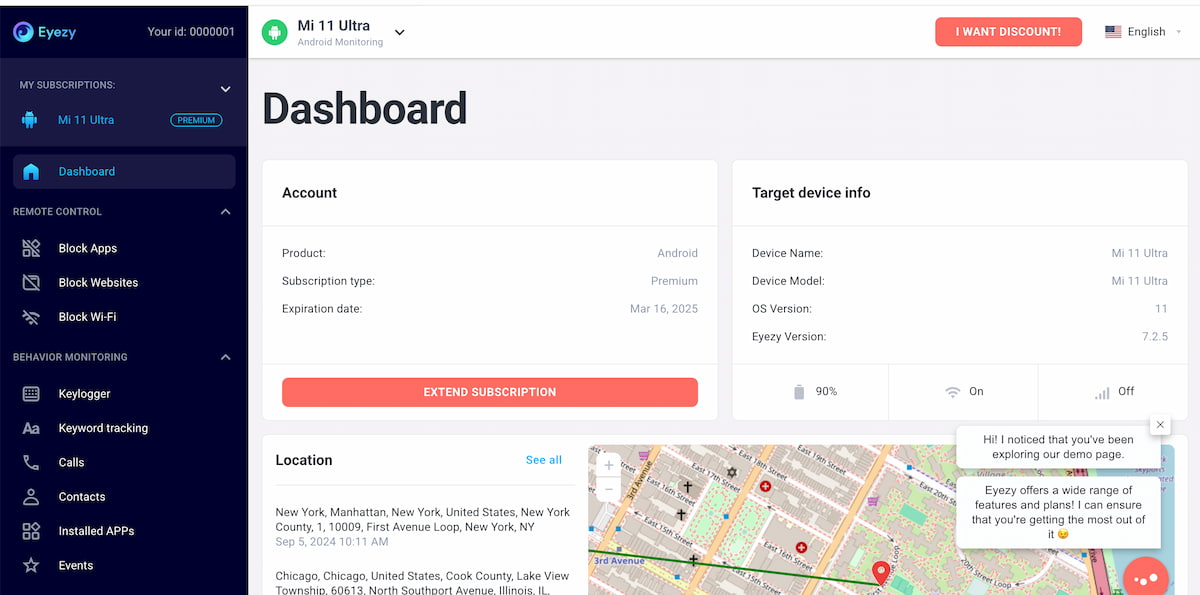 Eyezy is one of the most popular apps to track Samsung from iPhone for parents. The monitoring app is designed to work on both iPhone and Android devices, including Samsung phones.
Once you install Eyezy on their Samsung phone, just pop into your Eyezy Control Panel. You’ll have access to a feature called Pinpoint that shows you all their r
ecent locations, along with their current location.
You also have access to geofencing technology. In your Control Panel, just set zones for any location. When they enter or exit your zones, you’ll receive an alert. It’s a powerful way to find Samsung phone from iPhone without even lifting a finger.
Google Maps
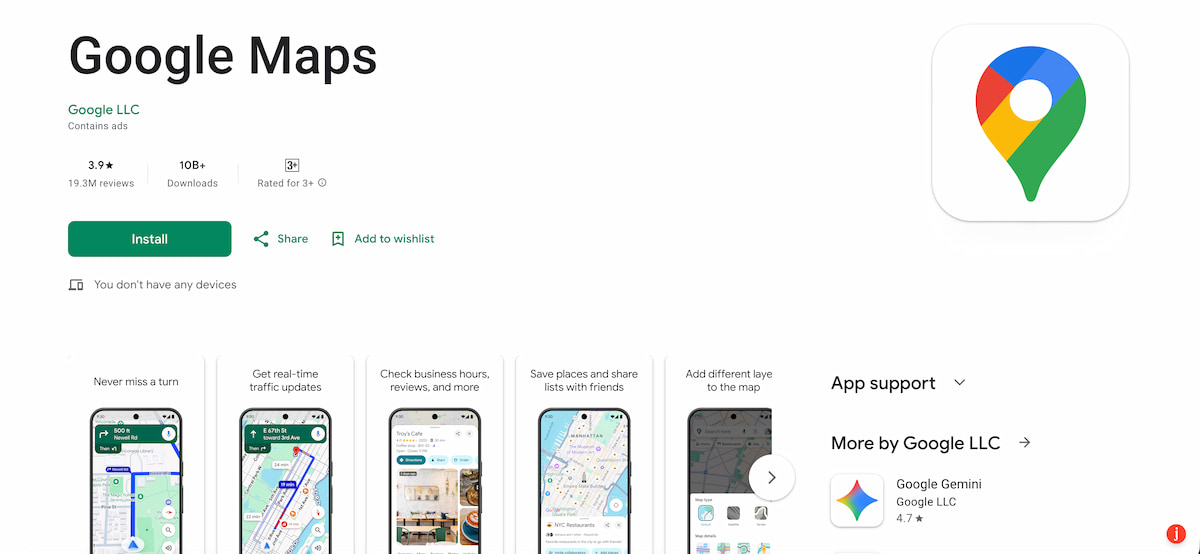 You probably already use Google Maps for directions. But did you know you can track a Samsung phone with an iPhoneusing Google Maps? Install the app on both phones, make sure you’re logged into two separate Google accounts, and share your location with one another. It’s that easy.
Whenever you want to find out their location, just fire up Google Maps, tap their name, and you’ll know where they are.
SmartThings Find
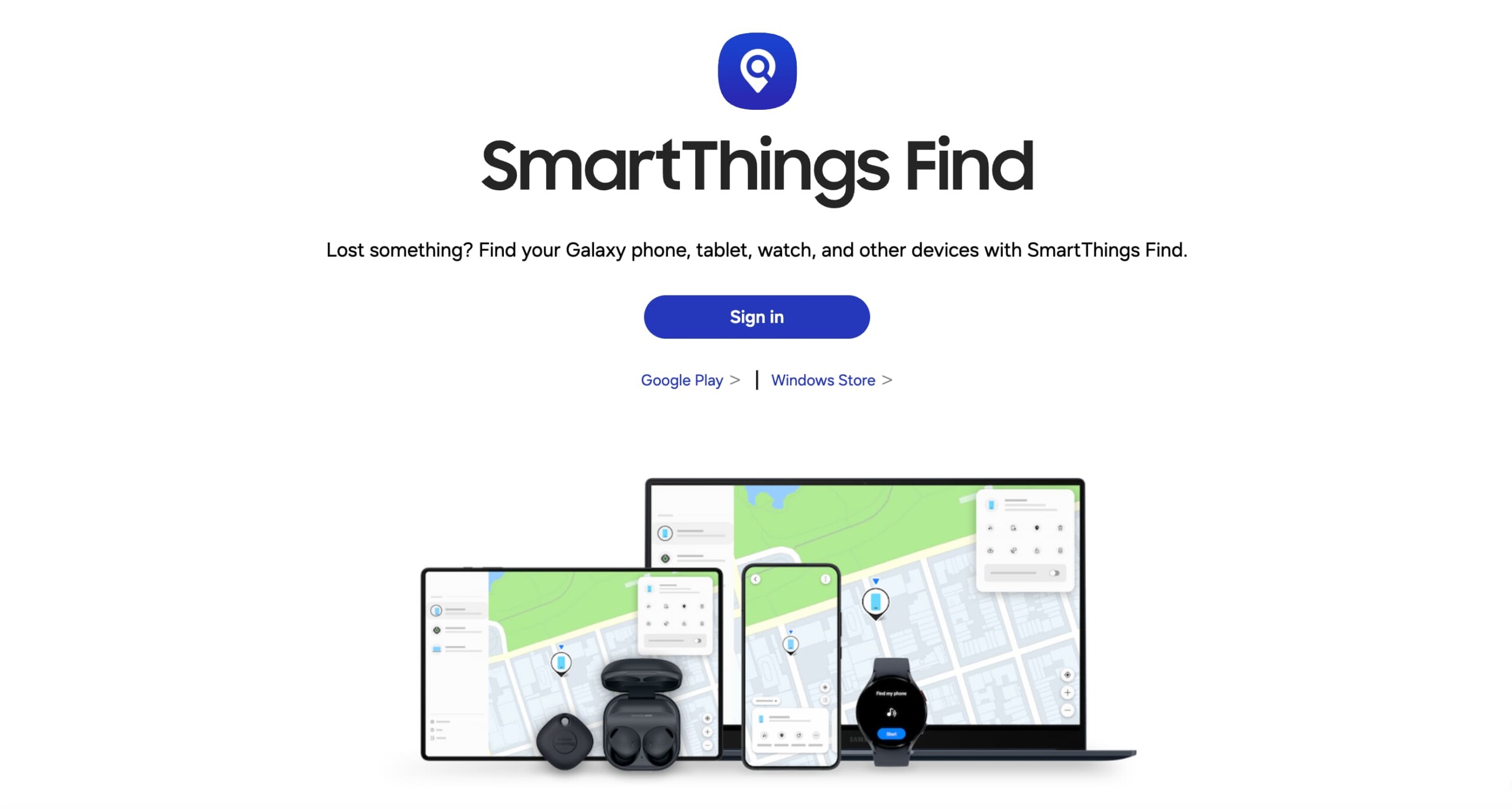 Samsung has its own built-in tracking software called Find My Mobile. Recently, they merged the experience with SmartThings Find. The web-based platform works on iPhone through Safari or any other browser, so there’s no app to download on your iPhone.
Find My Mobile isn’t turned on out of the box. First, you’ll need to activate the feature in Settings on their Samsung Phone. All it takes is a quick toggle tap and you’re ready to go.
Once it’s on, you’ll need to set up a SmartThings Find account and add their Samsung device. Then, simply sign in through your iPhone’s web browser to track Samsung from iPhone whenever you want
Why Eyezy Is the Best Choice for Android and iPhone Families
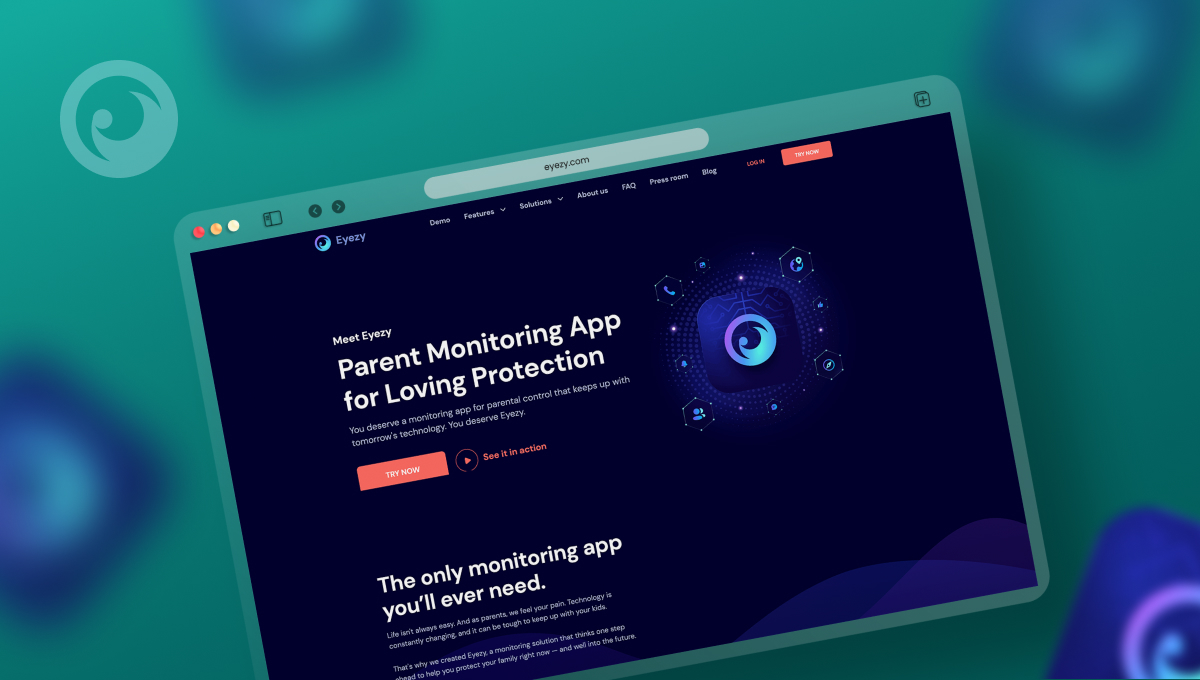 More and more families who use iPhone and Android are choosing Eyezy for cross-platform tracking. And the reasons go beyond just finding out their location. Eyezy is packed with features that let you monitor your kids online and off. Here’s a look at some of the big ones.
• Social Spotlight lets you see the conversations they’re having on social media apps. iMessage. Snapchat. WhatsApp. Instagram. You name it.
• Keystroke Capture lets you see the keystrokes they type on their Android, so you’ll know what they’re saying and where they’re saying it.
• Live Screen Streaming lets you see their Samsung phone as they’re using it.
• Phone Analyzer lets you see who they’re talking to on the phone, when they spoke, and for how long.
• AI Tools let you monitor their conversation with chatbots, including ChatGPT and Gemini.
Which Tracking App is Right for You?
As an iPhone and Samsung family, you’ve got more monitoring choices than you think. While Eyezy is the most powerful app for keeping your kids safe, we recognize that some apps with basic features might be the right choice for you and your family, especially if you don’t want to do anything other than find Samsung phone from iPhone.
Before you make the decision, check out the Eyezy demo. You can see how every feature works, just as it appears on your iPhone, iPad, or laptop.