Gmail Parental Monitoring App Keeps Strangers Away
With Eyezy, you’ll have access to your kids’ inbox. Every sent email. Every received email. It’s all there.
Try now See it in action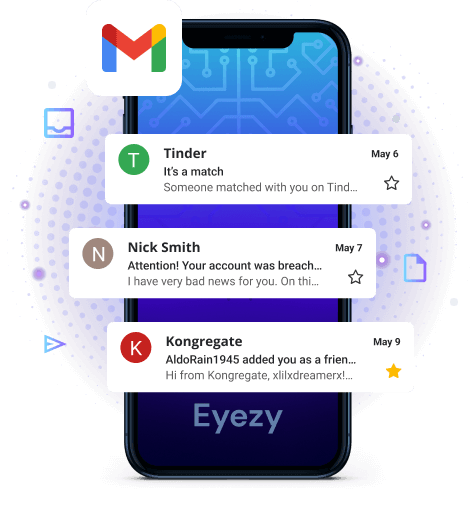
Read your kids’ email and make sure they’re safe
The Eyezy Gmail tracker makes it easy to find out if they’re communicating safely.

See who your kids are emailing
You’ll have access to every sent and received email. Drafts too.

Check in on spam
Make sure they’re not being fooled by scam emails.

Stop stranger interactions
Predators meet kids in chat apps, but they’ll often use email to continue the conversation.
A world of safety.
All at your fingertips.
Eyezy is packed with everything you need to find out what’s going on in their world, wherever and whenever it’s happening.


3 easy steps to get started
-
Pick your membership
We’ve got plans for every need. Just create your account and choose the plan that’s right for your family.
-
Install Eyezy
Our Friendly Installer will show you everything you need to do to get started. We made it easy for you. And in case you need some help, our 24/7 support is always there for you!
-
Dig out the info
Log in to your Eyezy Dashboard and discover the truth about those you care about the most. Dispel any doubts in your family relationships and make wise data driven decisions.